
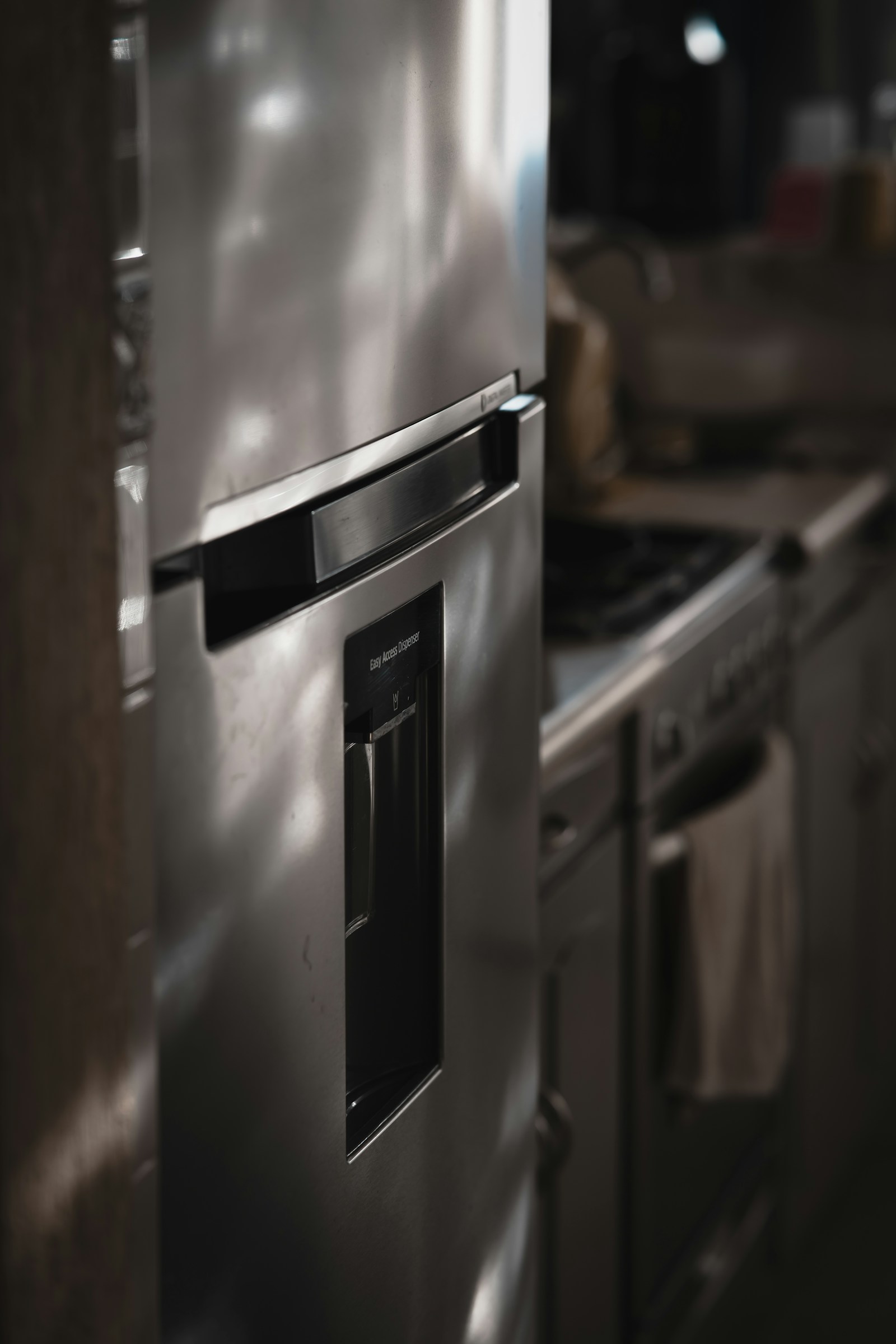
A column refrigerator not cooling on a Monogram built-in is usually airflow, sealing, or a sensor rather than a dead compressor – but integrated columns add one extra suspect: the ventilation niche. Because the tower sits flush in cabinetry, it relies entirely on a clear vent path to shed heat, so start there before assuming a major fault.
Why a column refrigerator not cooling happens
- Blocked niche ventilation – cabinetry vents clogged with dust starve the condenser.
- Door seal – a tall column door that does not seal lets warm air in continuously.
- Blocked interior vents – packed shelves stop cold air reaching every level.
- Setpoint or mode – a raised setpoint or demo (DE) mode left on.
First checks
Confirm the setpoint (about 37°F), make sure the top and base ventilation grilles are clear, and run the paper test on the door gasket. Clear any food blocking the internal vents.
Read the display
- CC – temperature controls read incorrect.
- FF – the compartment is rising and food may be at risk.
- DE – demo/showroom mode is on; unplug 1-2 minutes to clear.
These are diagnostic clues; sensor and board faults are technician repairs. See the full list in our column refrigeration error code archive. If the niche vents look fine, our how column refrigeration works guide explains the airflow design.
When to call a technician
If ventilation, seal, and setpoint are all correct and the column still will not cool, suspect a sensor, the evaporator fan, or the sealed system. Our column refrigeration repair service can diagnose it – book a visit. Ventilation specs for your model are on the manufacturer’s site, monogram.com.
When a tower drifts warm
A Monogram column refrigerator not cooling is rarely a dead appliance. More often it is a system that is working hard but losing the battle, and the fix depends on reading the signs before assuming the worst. Start with what the cabinet is telling you. Because each column is independently cooled, confirm the problem is the fridge tower itself and not a setpoint that drifted, a door left ajar, or a heavy restock of warm groceries that the compartment is still pulling down.
Work through the likely causes in order
- Airflow at the grilles. A panel-ready column rejects condenser heat through designated grilles in the cabinetry niche. Cabinetry, dust mats, or stored items over those grilles trap heat and the unit cannot cool, no matter how low you set it.
- Door seal and traffic. Check the gasket for gaps and confirm the door is closing flush against the panel. A panel that bows or a misaligned hinge breaks the seal.
- Codes in SmartHQ. An FF alert means temperature is rising and you should check the food. A PF means power was interrupted; press to clear it and watch whether the temperature recovers. A dE points to a defrost fault logged in the last 24 hours, where a frosted evaporator chokes airflow.
- Demo mode. If the display looks alive but nothing cools, look for DE showroom mode. Clear it by unplugging the column for one to two minutes.
If airflow is clear, the door seals, no demo mode is active, and the tower still will not hold temperature, the fault is likely in the sealed system or the evaporator fan, neither of which is a DIY repair. At that point certified technicians working with genuine Monogram parts should diagnose the compressor and refrigerant circuit. Catching it early, when the column is merely warm rather than fully thawed, protects both your food and the compressor.
Get expert Monogram help
Still stuck? Our column refrigeration repair service uses genuine Monogram parts and a labour warranty. Schedule service any time, and review model details on the manufacturer’s site at monogram.com.