Regular range maintenance keeps a Monogram range igniting reliably and baking evenly. Most range problems – failed ignition, weak flames, uneven baking – start with dirty burners or a tired oven seal, all of which simple care prevents.
The range maintenance routine
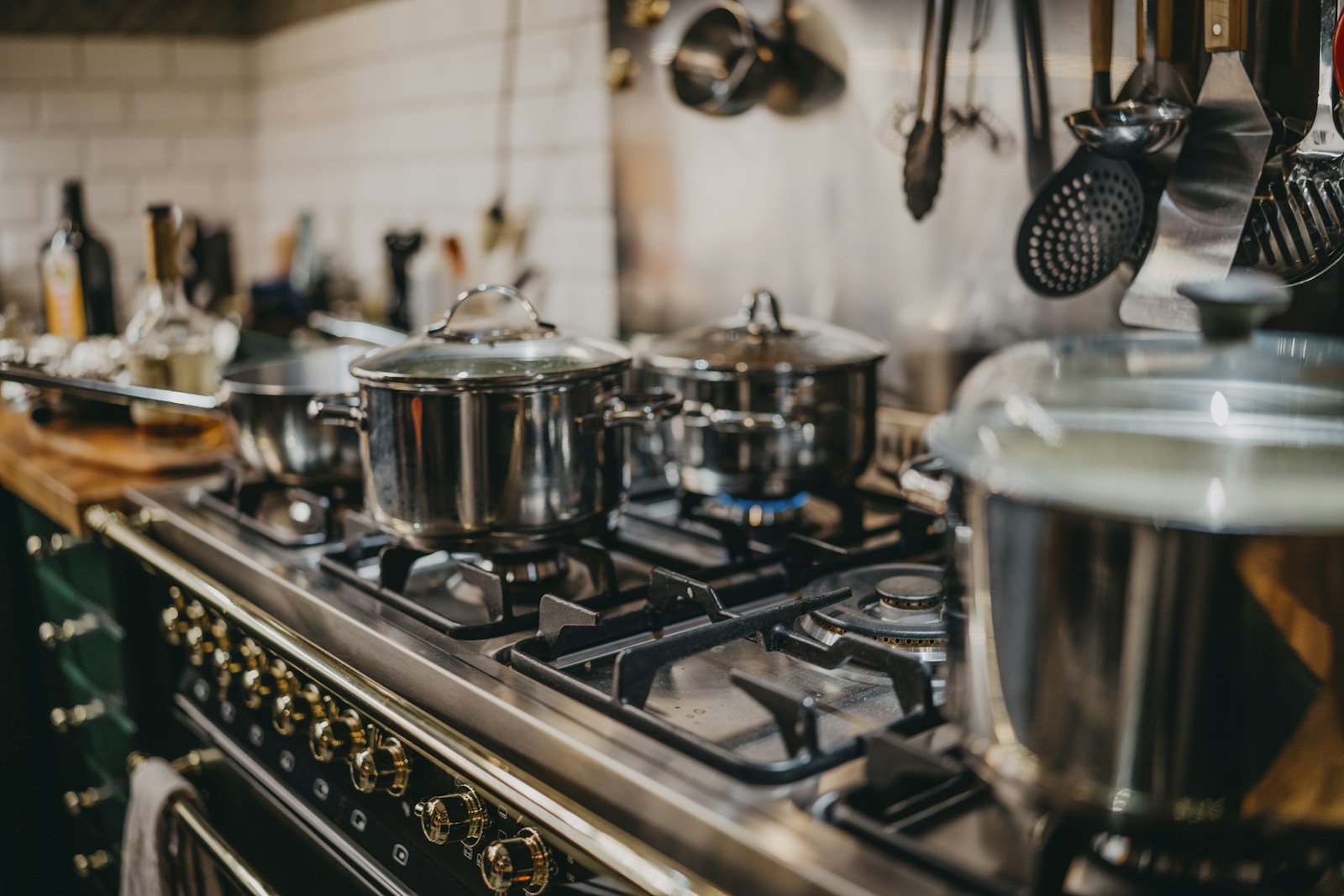
- Burner caps and ports – clean and dry them so the spark lights the gas cleanly.
- Grates – wash by hand and dry to prevent corrosion and rattling.
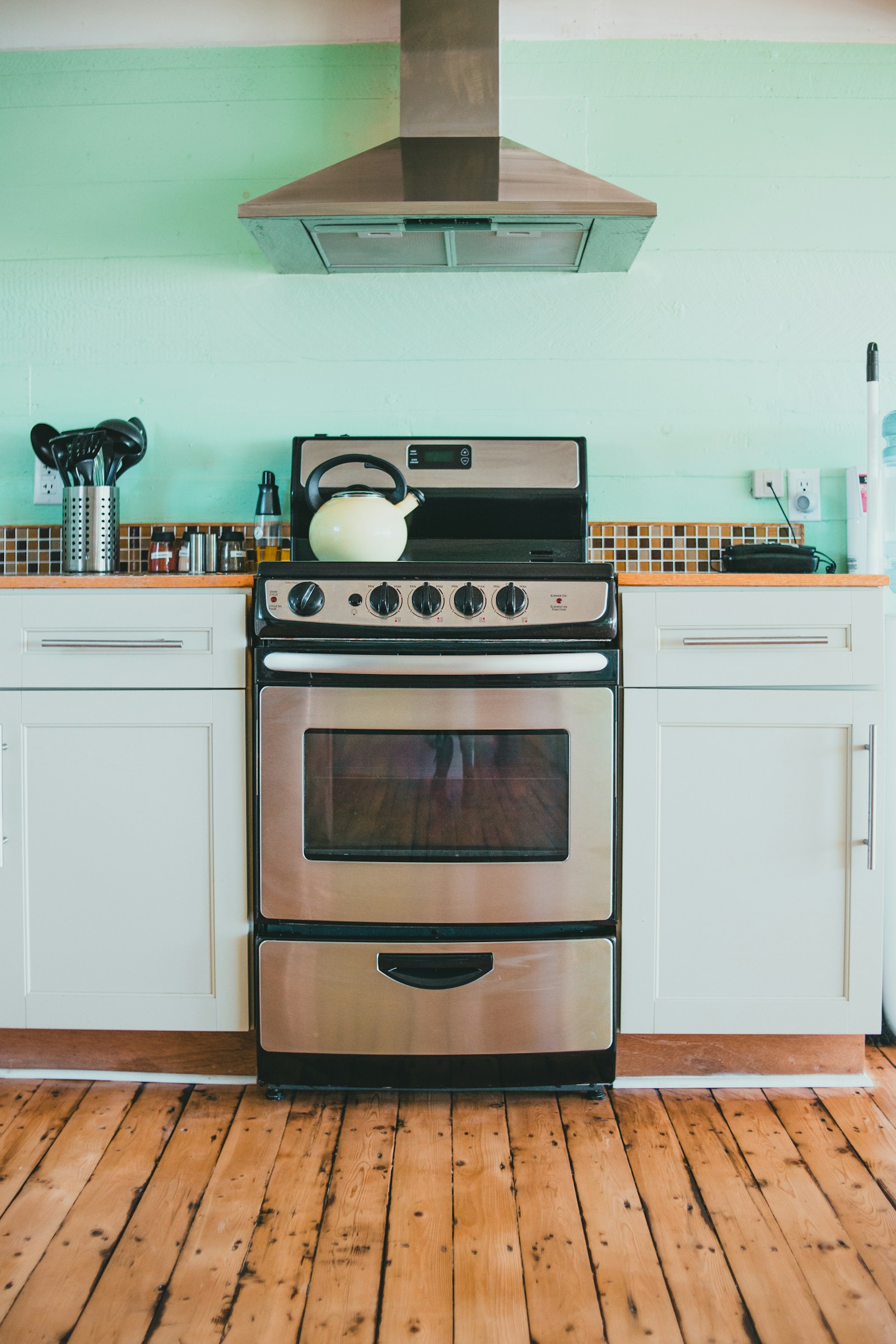
- Oven cavity – wipe spills before they bake on and clean the door glass and seal.
- Calibration – adjust the oven temperature offset if baking drifts hot or cool.
Why it matters
A wet or food-clogged burner is the leading cause of ignition trouble, and a poor oven door seal bakes unevenly. Keeping the cooktop clean and the seal good protects both the gas and electric systems and heads off the most common service calls.
Good habits
- Reseat burner caps squarely after cleaning so the flame pattern is even.
- Avoid harsh abrasives on the stainless and control panel.
- Let the oven cool fully before and after a self-clean cycle.
If a burner still will not light after cleaning, see our ignition failure guide. If the oven bakes unevenly, the uneven baking guide covers calibration and sensors.
When to call a technician
A no-click burner, a dead oven element, an F-series code, or any gas-odor concern is a technician job. Our range repair service can diagnose it – book a visit. Care guidance for your model is on the manufacturer’s site, monogram.com.
Keeping a Monogram Range in Top Condition
Good range maintenance on a dual-fuel or all-gas pro Monogram range splits naturally into two halves: caring for the gas cooktop and caring for the electric (or gas) oven beneath it. Treating each correctly is what keeps burners lighting cleanly and the oven baking evenly for years.
Cooktop Care
- After each use, once cool, lift burner caps and grates and wash away spills; carbonized food in the ignition port is the leading cause of slow or failed sparking.
- Keep the spark electrodes dry and clear; a soft brush clears debris without bending them.
- Reseat each burner cap squarely after cleaning, since a tilted cap distorts the flame.
- Hand-wash the heavy grates rather than running them through harsh cycles that strip the finish.
Oven Care
- Wipe spills from the cavity before they bake on and foul the sensor probe.
- Inspect the door gasket for crushing or tears that bleed heat and cause uneven baking.
- Use self-clean sparingly; its extreme heat stresses the latch motor and element joints, and overuse invites an F9 or FC latch fault later.
- Verify cavity temperature against an independent thermometer periodically and recalibrate the offset if it has drifted.
Whole-Appliance Habits
Keep the range linked to SmartHQ so firmware updates and diagnostic alerts arrive automatically; the app often flags a drifting sensor before your baking suffers. Clean only with non-abrasive products, since the Greenguard Gold certified hardware and stainless surfaces scratch under harsh pads. If a burner keeps failing to light after a thorough cleaning, or a recurring F-code appears, stop guessing and have certified technicians inspect the affected system with genuine Monogram parts rather than repeatedly resetting the breaker.
Two halves, two routines
Treat the gas cooktop and the oven separately. On top, clear the ignition ports and reseat caps square so burners light cleanly; below, protect the door gasket and RTD probe from baked-on spills and use self-clean sparingly to spare the latch motor.
Clean gently
Use only non-abrasive products on the Greenguard Gold certified hardware and stainless surfaces, and hand-wash the heavy grates rather than stripping their finish in a harsh cycle.
Need a range technician?
When the fix is beyond a quick check, book a diagnostic visit and our certified technicians handle it with genuine Monogram parts. Our range repair service explains the work, and full specifications live on monogram.com.